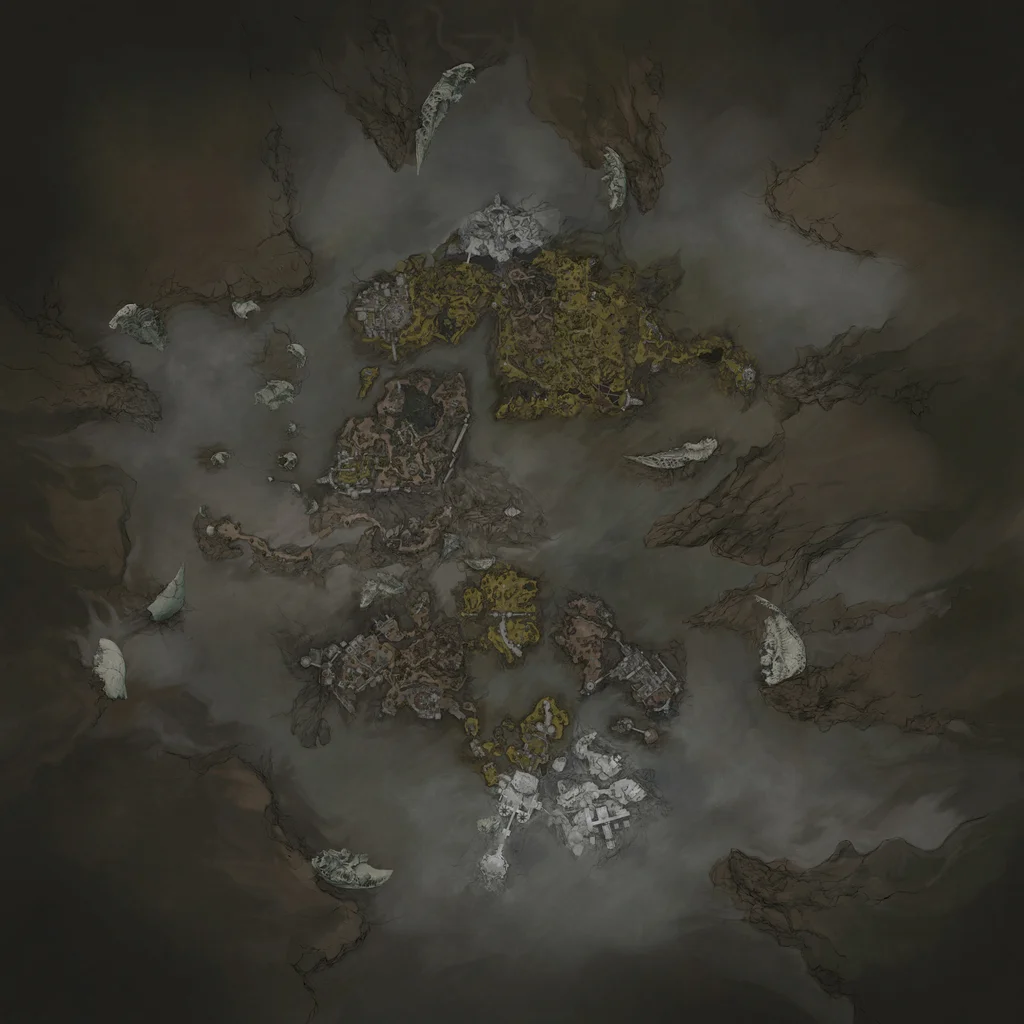
Explore the Mortal Shell 2 world map with regions, Beacons, Ruk map fragments, Shells, weapons, dungeons, merchants, gates, and key locations.
Use this world-map hub to move from a region to the exact guide you need. Browse Beacons, dungeons, Shells, weapons, sidearms, merchants, keys, and Corrupted Gates first, then use the reveal guide when a section of the map is still hidden.
Learn how the reveal system works — entering a new area does not sketch the terrain onto your map; only Ruk's map fragments remove the fog of war.
2
Check what each point of interest does — Beacons are checkpoints with fast travel, dungeons hold weapons and seals, and Corrupted Gates point toward your next major destination.
3
Plan your route region by region — each area of the world has its own enemies, shortcuts, and hidden armaments, so read the region notes below before heading in.
How to Reveal the Map and Corrupted Gates
How to Reveal the Map and Corrupted Gates
Mortal Shell 2 handles map discovery differently than many action RPGs. Simply entering a new area does not sketch the terrain onto your map; the fog of war remains until you take a specific action. The game marks the locations of Ruk statues on your in-progress map after you discover a region, giving you a target to aim for.
Ruk appears as a large black bird sitting atop rock statues scattered across the world. Each map fragment is placed directly in front of the statue, so the main challenge is reaching the statue rather than searching for a hidden item. Once the fragment is in your inventory, the map updates immediately and the fog of war disappears for that section.
Cookies: We use optional cookies to understand how visitors use this site. You can accept or decline them. Privacy Policy